Social media content
Create posts, thumbnails, and avatar directions, then review and remix variations for the intended channel.
SocialTry Nano Banana 2 online without an account or API key. Generate and download a guest image, then sign in only when you want saved history, more credits, or member features.
Free daily credits · No credit card required
Independent interface · not affiliated with model providers
Describe your idea, choose a current model, and follow the live generation status.
Describe your idea, choose a current model, and follow the live generation status.
Model Library
A curated library of currently available image models, with provider and capability details kept explicit.

Complex instructions, reference workflows, and output up to 4K.
Fast, balanced generation for everyday creative work.
Active Seedream 4.5 generation and editing workflow; not the newest family version.
Conversational image generation and editing from OpenAI.
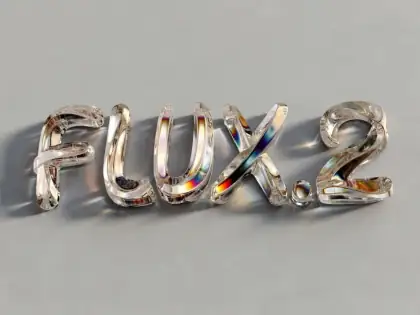
FLUX.2 text-to-image generation with model-specific controls.

Previous-generation context-aware editing; BFL recommends FLUX.2 for new projects.

A lightweight text-to-image option for iterative drafts.

Google positions Nano Banana 2 as its efficient general-purpose Gemini image model. Use it for everyday generation and editing, then review each result before publishing.
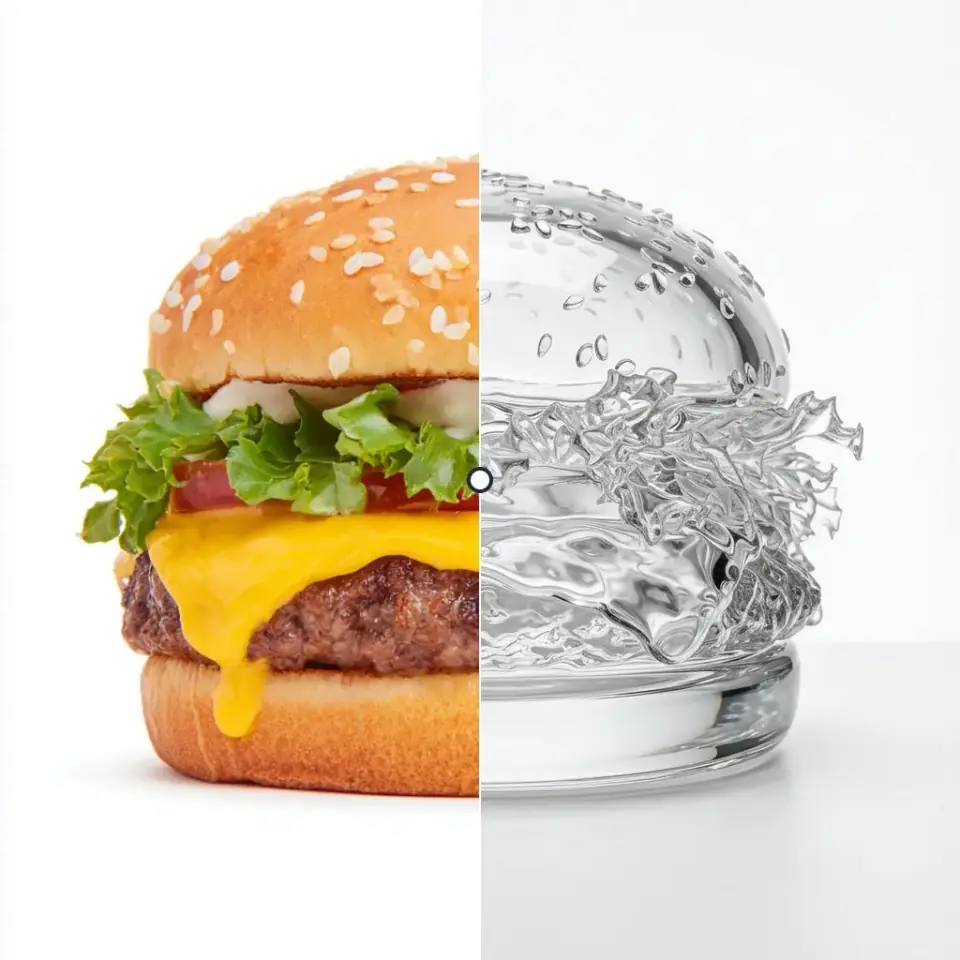
Access a curated set of current AI image models through one platform, including FLUX.2, GPT Image 2, Seedream 4.5, and Nano Banana. Model availability and supported controls are shown in the generator.
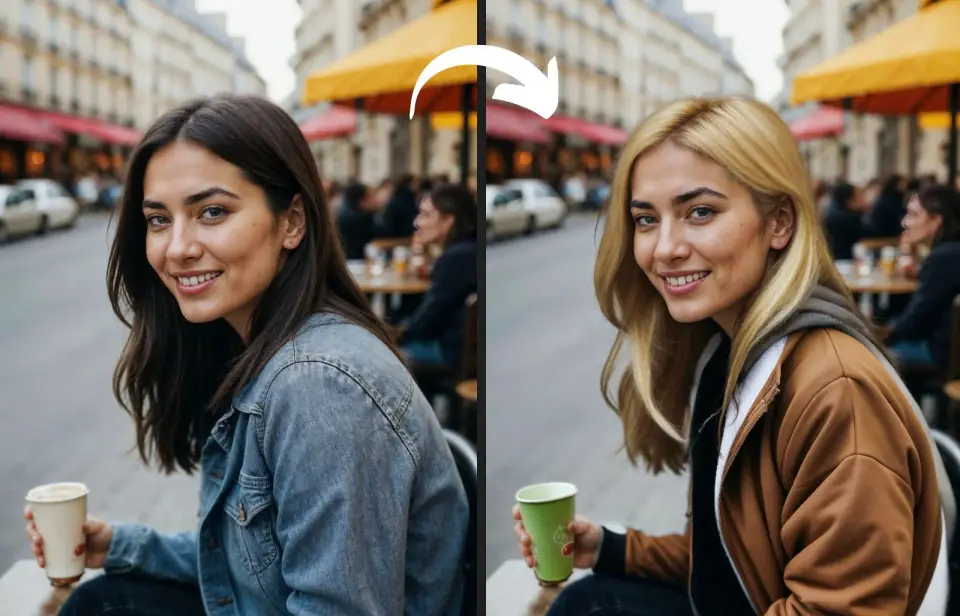
Generate from a text brief, use a reference-guided edit where supported, choose model-specific controls, then inspect and download the returned result for your normal production workflow.
Core Features
Use current text and reference-image workflows, model-specific controls, and downloadable results in one interface.
Create image drafts from text with Nano Banana 2, FLUX.2, or another available model, then check prompt adherence and visible defects before use.
Upload a rights-cleared image, describe the requested change and the details to preserve, then review the returned edit for unintended changes.
Switch between Nano Banana, Seedream 4.5, FLUX.2, GPT Image 2, and other currently available models. The generator shows each model's supported controls.
Choose from the output resolutions exposed by each model. Nano Banana 2 currently supports output up to 4K through its Gemini API model.
Download the format returned by the selected model and adapt it for social, print, or web workflows in your preferred editing tool.
Nano Banana Pro accepts multiple references and is designed for character and brand continuity, but identity and details can still drift. Review the full series.
Community Gallery
Explore visual examples and prompt directions. These images are inspiration, not controlled model benchmarks or reproducibility claims.
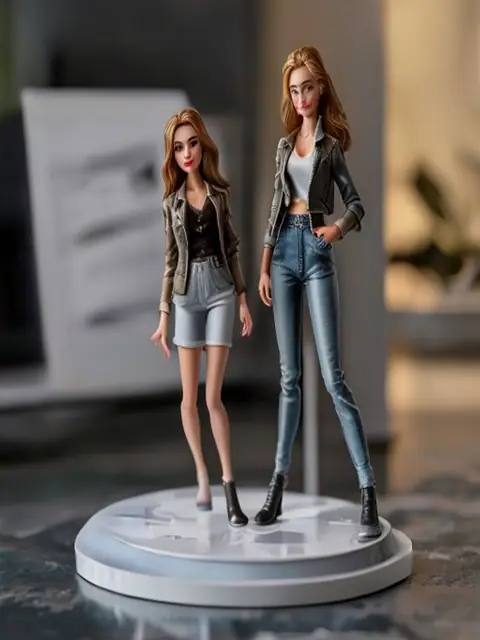
Turn my selfie into a 1/7 scale collectible figurine

Studio-quality professional headshot from a phone photo

Restyle our photo as soft Ghibli-style anime
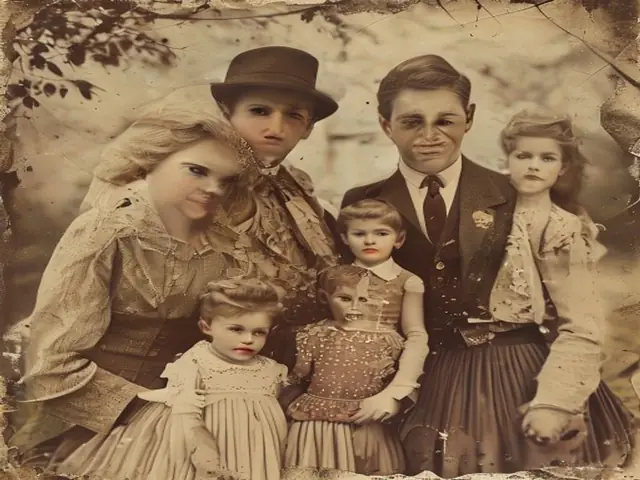
Restore and colorize an old family portrait
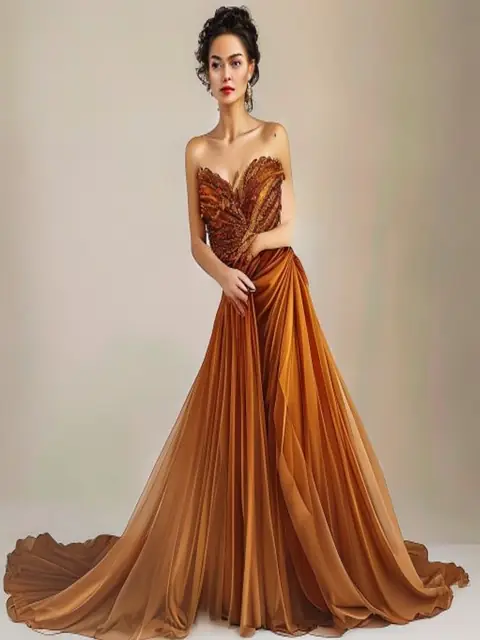
Virtual try-on: the same model in a new outfit
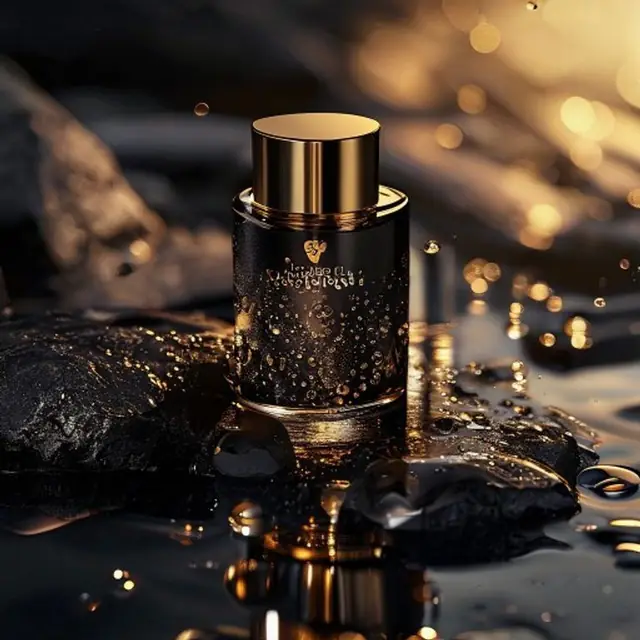
Luxury e-commerce product shot on black stone
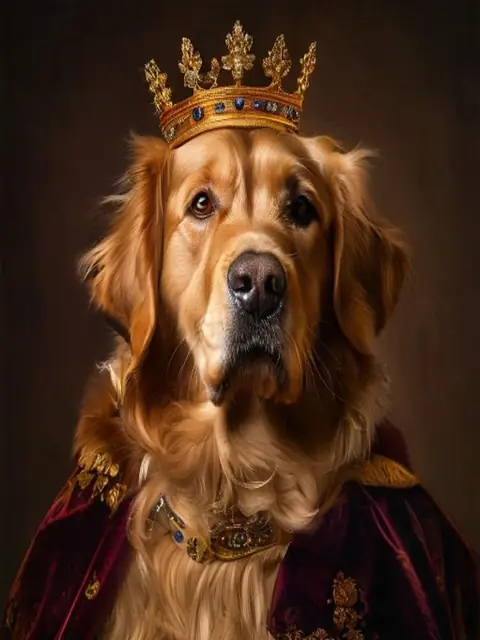
Dress up my dog as a tiny royal king
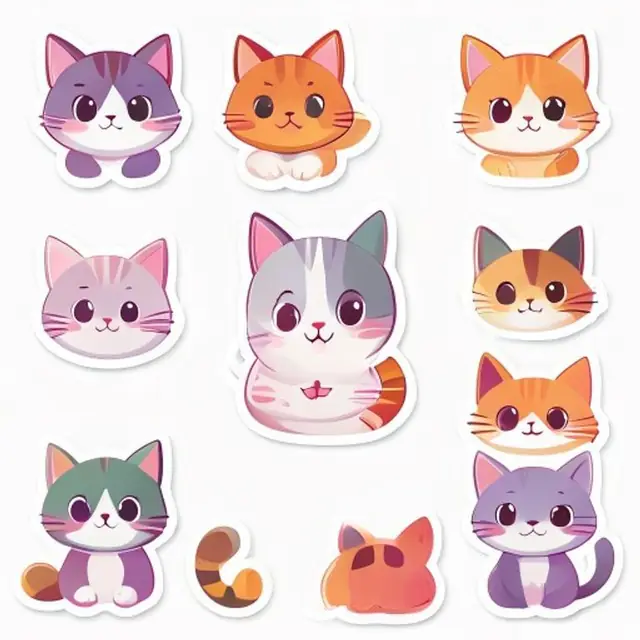
Kawaii die-cut sticker pack from one drawing

Regulation passport ID photo, white background

Redesign this room in warm Scandinavian style
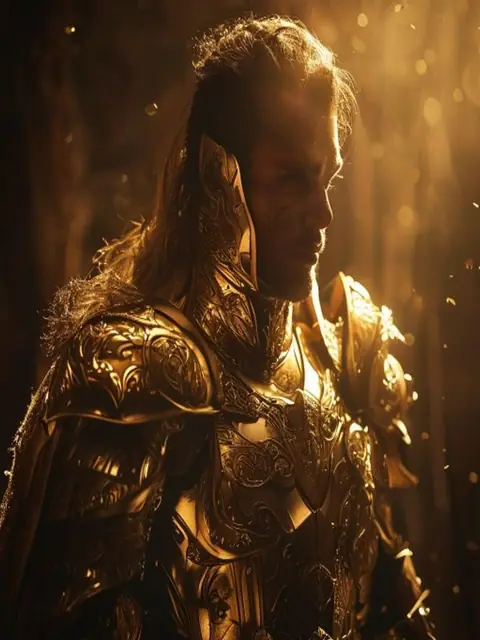
Reimagine me as a golden-armored fantasy warrior
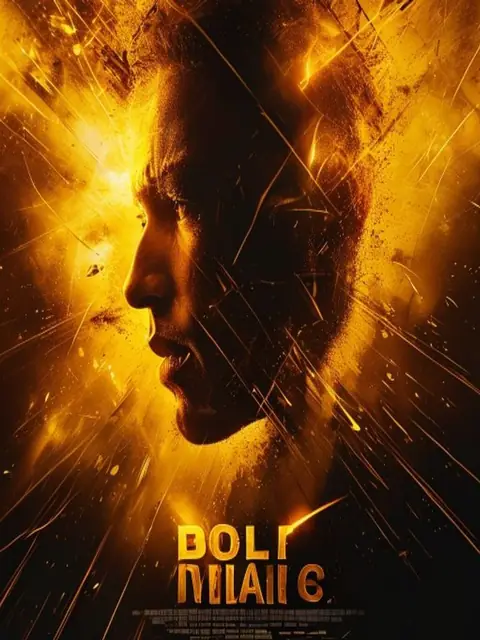
Cinematic movie poster with bold title text
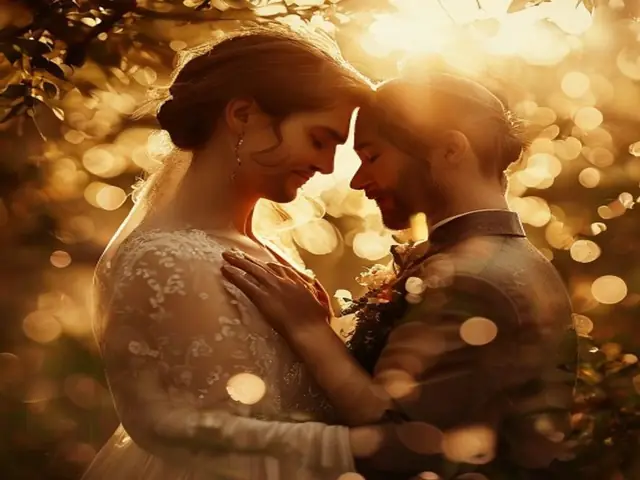
Garden wedding portrait in soft golden hour
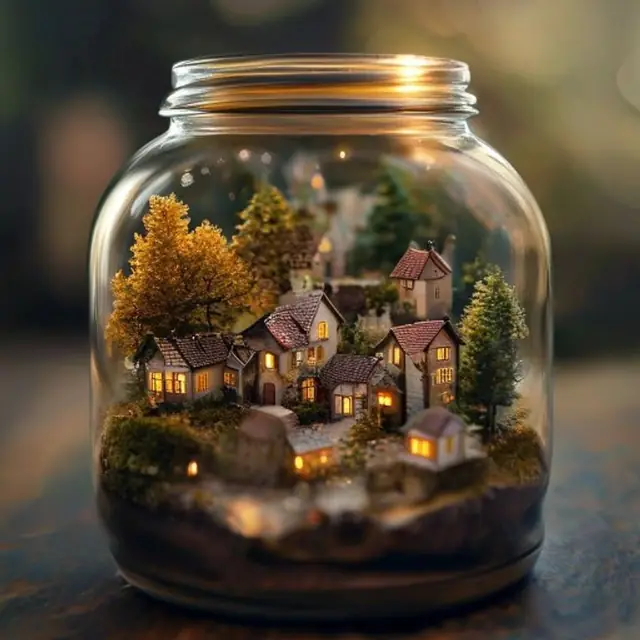
Tiny tilt-shift village inside a glass jar
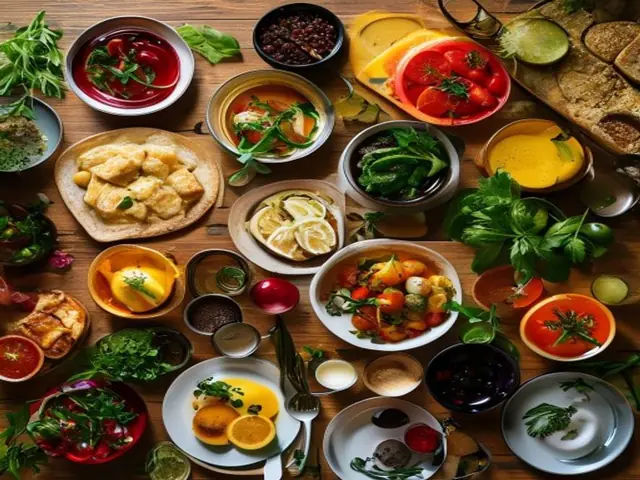
Appetizing overhead flat-lay food photography
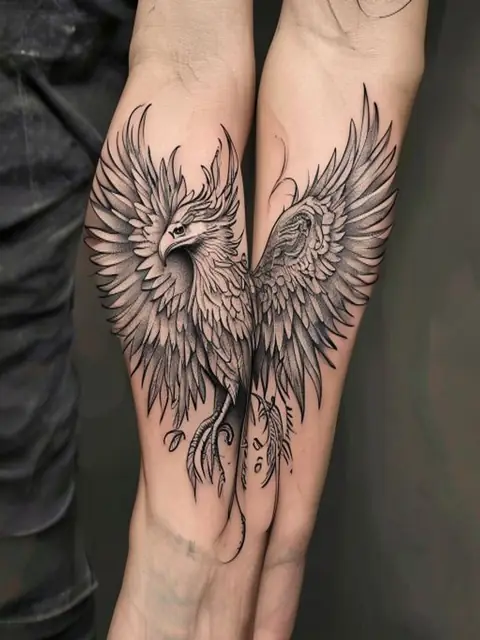
Preview a fine-line tattoo on my forearm
How to Use
A four-step browser workflow for briefing, configuring, generating, and reviewing an image with a currently available model.
Enter a text prompt or upload a rights-cleared image. Describe the subject, scene, style, color, composition, and details that should remain unchanged.
Choose Nano Banana 2, Nano Banana Pro, Seedream 4.5, FLUX.2, or GPT Image 2 based on the task. Each model exposes only the controls it supports.
Choose among the resolution, aspect-ratio, image-count, and style controls supported by the selected model. Available options change with the model.
Generate and download the result when it is ready. Processing time varies by model, queue, resolution, and image count; commercial use remains subject to your input rights and applicable terms.
Plans & Credits
Simple, transparent Nano Banana pricing that scales with your creativity.
For individual creators
Billed yearly
What's included
For content creators
Billed yearly
What's included
For professional creators
Billed yearly
What's included
Use cases
From an initial brief to a reviewed image draft — see where Nano Banana 2 can support your workflow.
Create posts, thumbnails, and avatar directions, then review and remix variations for the intended channel.
SocialGenerate multiple visual directions for an ad set, review the results, and hand the selected assets into your normal design workflow.
MarketingDraft product hero shots and lifestyle backgrounds, then verify product geometry, labels, and lighting before publication.
E-commerceExplore moodboards, characters, and style directions, then review continuity and unintended changes across the whole set.
DesignTurn abstract ideas into clear, engaging illustrations for lessons, slides, and explainer content.
EducationPrototype dozens of directions before a pitch and switch between top models to match each brief.
StudioFAQ
Common questions about Nano Banana 2, Nano Banana Pro, and AI image generation.
Get Started
Describe an idea, choose a current model, and review the result in one browser-based workflow. A limited guest trial is available without a credit card.