
Seedream 4.5 AI Image Generator
Seedream 4.5 is an active option in this multi-model generator for scene creation and reference-guided editing. It is not presented as the newest Seedream-family model: the current Kie.ai market also lists Seedream 5.0. Choose 4.5 only when it fits your brief and current service availability.
提示词开头: Launch campaign hero for a compact matte-black electric bike parked beside a modern glass studio at city dusk, warm amber practical lights, realistic metal and rubber textures, low three-quarter camera, clean negative space on the left for headline copy, premium commercial photography, 16:9
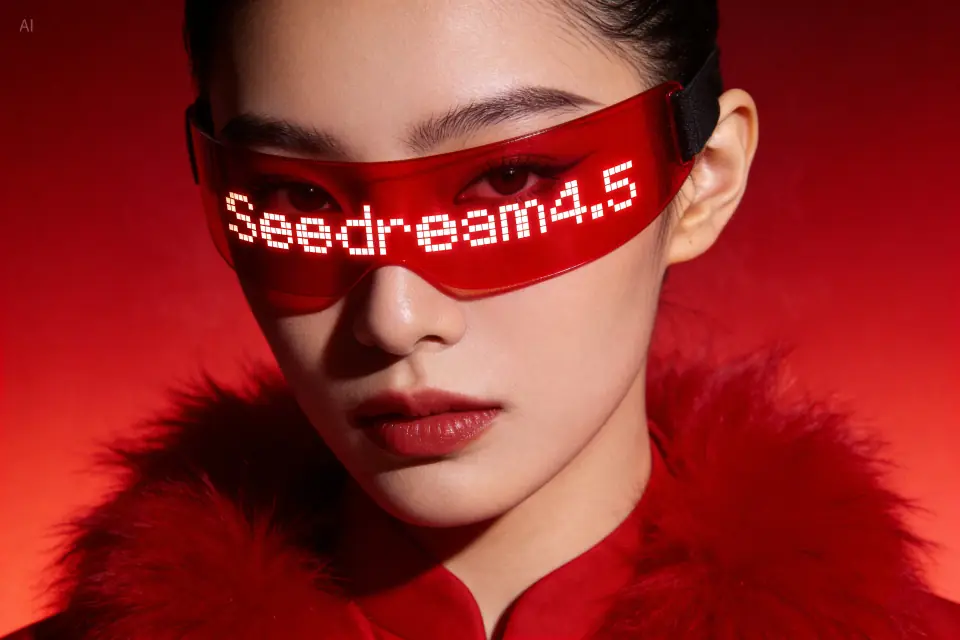
Seedream 4.5 AI image generator
多模型生成,无需 API 密钥,可领取免费额度。
Last verified: 2026-08-22
Provider route, edit workflow, and family status were checked against Kie.ai’s current model market and Volcano Engine documentation.
生成前先看已核验事实
以下信息来自当前产品配置与所链接的一手文档。实际输出质量仍会受提示词与输入图像影响。
- Banananano route
- Kie.ai · seedream-4.5
- Current family status
- Active, not newest
- Input workflows
- Text + reference images
- Prompt language
- Plain, task-first instructions
This site uses Kie.ai’s configured Seedream 4.5 route. It is not a direct connection from your browser to ByteDance or Volcano Engine.
Kie.ai’s current model market lists Seedream 4.5 and newer Seedream 5.0 options. “4.5” should not be marketed as the latest model.
Kie.ai documents separate Seedream 4.5 text-to-image and edit workflows; this product enables image input for the configured model.
Volcano Engine recommends concise natural-language prompts, explicit task or use, and clear instructions about what to preserve.
Where Seedream 4.5 fits
Use it as a real alternative for scene-level art direction or reference-guided edits—not because its version number guarantees a better result.
- Lifestyle product and campaign scene exploration
- Editorial portraits and social creative concepts
- Reference-guided environment, composition, or style changes
Write the task in natural language
Lead with the job, then subject, scene, camera, mood, and final placement. Put literal text in quotation marks and still verify every character.
- Name the placement: hero image, social ad, launch post
- State what must remain unchanged when editing a reference
- Specify aspect ratio and copy-safe negative space for the final layout
Limits that affect production use
Reference use and high-resolution settings do not guarantee exact products, people, text, or brand marks. Provider behavior can also change independently of this page.
- Inspect identity, product geometry, logos, and small text at full size
- Keep confidential, biometric, or unlicensed reference material out of prompts
- Check current availability and credits in the live generator before a production batch
Compare Seedream 4.5 with the model you already use
The useful question is whether Seedream improves your specific workflow. Hold the creative brief constant and measure the whole set of outputs.
- 1Define one task and three non-negotiable requirements before choosing a model.
- 2Use the same prompt, reference images, aspect ratio, resolution, and image count.
- 3Generate several results per model and retain failures as part of the sample.
- 4Score prompt adherence, reference fidelity, geometry, text, and publication readiness.
- 5Choose by median quality, current credits, and observed wait time—not the best single image.
No controlled Seedream-versus-Nano-Banana benchmark has been published on this page. We therefore make no universal quality, speed, or consistency claim.
一手资料
- Kie.ai model market quickstart — Kie.ai
- Seedream 4.5 edit API documentation — Kie.ai
- Seedream prompt guide — Volcano Engine
常见问题
Is Seedream 4.5 good for commercial visuals?
It can be tested for campaign concepts, product scenes, and social visuals, but commercial use is not automatic. Use licensed inputs, inspect the output, and review this site’s Terms plus applicable provider terms.
Should I use Seedream or Nano Banana Pro?
Run the same brief through both when available. Compare several outputs for your required scene, reference fidelity, text, geometry, current credit cost, and observed completion time.
Is Seedream 4.5 the latest Seedream model?
No. As of this page’s verification date, Kie.ai’s model market also lists Seedream 5.0. Seedream 4.5 remains a selectable workflow, not a “latest model” claim.
Can Seedream 4.5 edit an uploaded image?
Kie.ai documents a Seedream 4.5 edit workflow, and this product currently enables image input for the configured model. State what must be preserved and review the result for unintended changes.
开始使用 Banananano AI 生成图像
使用每日免费额度测试模型、保存提示词片段,并建立可复用的创作工作流。